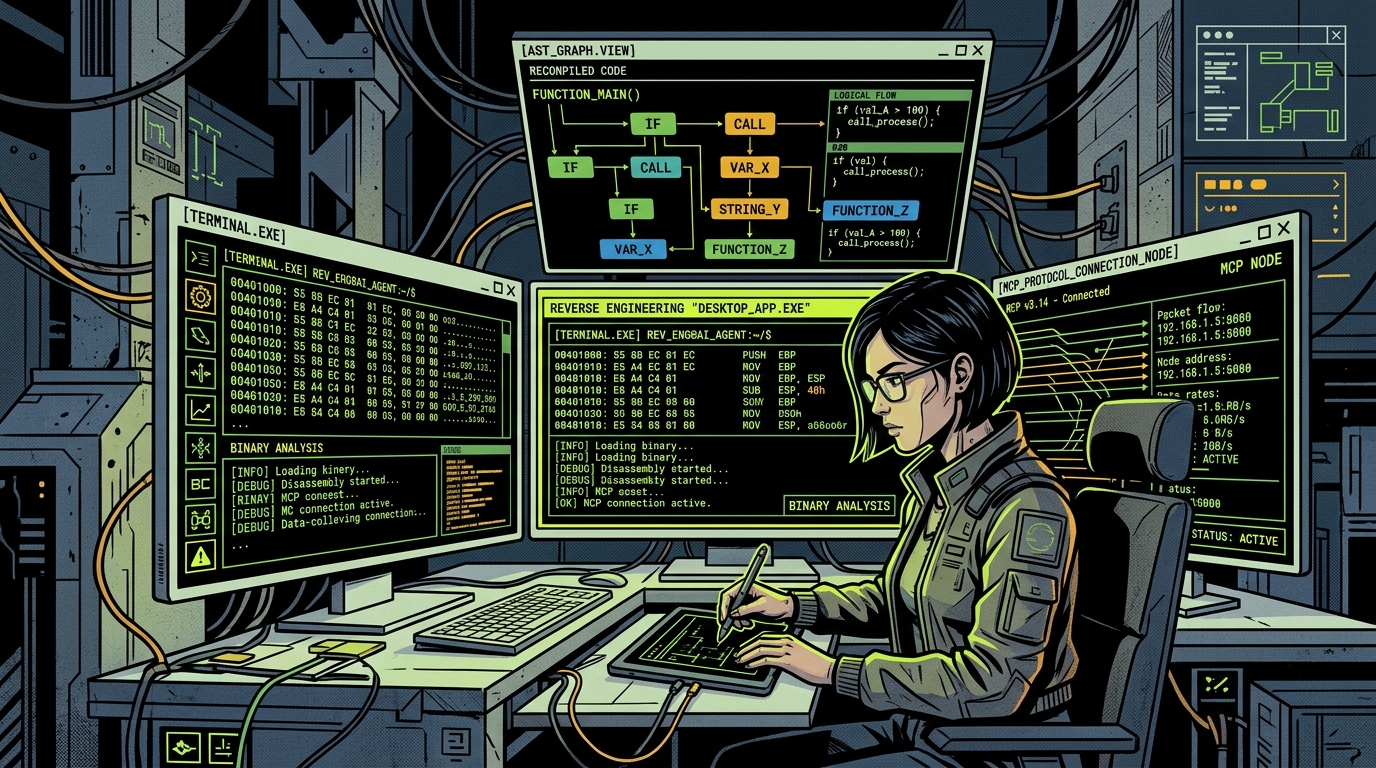
Reverse engineering has traditionally required specialized familiarity with disassemblers, hex editors, decompilers, and symbol tables. The open-source project REA (morluto/rea) bridges this gap by connecting autonomous coding agents—such as Claude Code, Codex, or custom agent harnesses—to static and dynamic software analysis tools via the Model Context Protocol (MCP).
Rather than forcing developers to manually navigate Ghidra, Hopper, or Node AST dumps, REA acts as an agent-connected toolkit. When paired with a coding assistant, an engineer can query how a local cache functions, inspect how an Electron app stores encrypted tokens, or extract undocumented network endpoints from a compiled binary.
Important reality check: REA is an evidence-oriented investigation toolkit—not an automated clone button. It does not magically recover original human-written source code, variable names, or internal architecture comments. This guide walks through its architecture, setup command, MCP configuration, and real-world boundaries.
What can REA actually inspect?
REA organizes its tooling around target types, selecting appropriate analyzers based on the file format and inspection objective:
- Native Binaries (Mach-O, ELF, PE): Inspects compiled C/C++, Rust, and Go binaries. Extracts string references, symbol tables, imported shared libraries, and calls decompilation engines like Ghidra or Hopper when installed.
- JavaScript & Electron Applications: Unpacks
.asararchives, parses bundled webpack/vite artifacts, recovers obfuscated AST nodes, and traces IPC channel communications between main and renderer processes. - .NET Assemblies & CIL: Analyzes intermediate bytecode, reconstructs type definitions, and inspects reflection manifests in desktop and enterprise tools.
- Web Applications & Network Behavior: Traces API requests, WebSocket frames, and serialized schema payloads to map external service contracts.
How REA executes an authorized reverse-engineering workflow
The interaction follows an evidence-driven pipeline. Explore each stage in the interactive workflow explorer below:
Stage 01: Agent Prompt & Question Scope
The developer prompts their coding agent (e.g. Claude Code) with a specific, bounded question—such as identifying an undocumented API endpoint or inspecting how local search indexes items in an Electron app.
PROMPT_INTAKE
Natural Language Investigation Request
electron-app.asar + native Mach-O
{ "goal": "trace_auth_tokens", "sandbox": true }
Prerequisites & installation
REA requires a modern Node.js environment (v18+) and standard command-line developer utilities. To install REA globally and configure connected agents, run the official setup script:
Note: For native decompilation of Mach-O or ELF binaries, REA can optionally delegate to headless Ghidra (analyzeHeadless) or Hopper. If neither is installed, REA falls back to native disassembly routines (otool, objdump, nm, and strings).
# Run the official interactive agent setup script
npx rea-agents setup

# Verify the CLI and supported analyzer plugins
rea --version
rea check-toolsConnecting REA to Claude Code via MCP
REA exposes a standard Model Context Protocol (MCP) server. To register REA inside Claude Code or Cursor, add the server entry to your MCP configuration file (claude.json or ~/.config/claude-code/config.json):
Once configured, restart your coding agent. Claude Code will automatically detect REA tools such as inspect_binary, extract_strings, unpack_asar, and decompile_function.
{
  "mcpServers": {
    "rea": {
      "command": "npx",
      "args": ["-y", "rea-agents", "mcp"],
      "env": {
        "REA_WORKSPACE": "/path/to/authorized/project",
        "REA_LOG_LEVEL": "info"
      }
    }
  }
}Practical demo: Inspecting an Electron app bundle
In an authorized security audit of an internal Electron desktop application, we tasked Claude Code with identifying how the app stores OAuth refresh tokens on disk.
The interaction proceeded autonomously:
1. Unpacking: Claude called unpack_asar on the target application package.
2. AST Parsing: REA extracted the bundled main.js and parsed IPC handlers registered via ipcMain.handle.
3. Evidence: REA surfaced a call to keytar.setPassword and identified the exact keychain service name used across macOS and Windows.
4. Synthesis: Rather than reading 50,000 lines of minified JavaScript, the developer received a 4-bullet executive summary citing file lines and exact method signatures.
What REA does NOT do: Essential boundaries
It is critical for engineering teams and security researchers to understand the limits of AI-assisted reverse engineering:
- Does not recover original source code: Variable names, comments, and high-level syntactic sugar stripped during compilation or minification cannot be perfectly restored.
- Does not guarantee a 1-click clone: REA produces technical evidence. Replicating proprietary logic or building an interoperable clean-room implementation still requires manual software engineering.
- Static analysis may miss dynamic execution: Code paths loaded dynamically via
eval(), encrypted payloads, or remote webviews will not show up in purely static binary disassembly. - Legal and authorization boundaries: Always ensure you possess explicit legal authorization or ownership over the target software before performing decompilation or reverse engineering.
REA vs traditional reverse-engineering tools
The table below illustrates how REA compares with established disassembly and decompilation software:
| Feature / Tool | REA (with MCP) | Ghidra (NSA) | IDA Pro | jadx / dnSpy |
|---|---|---|---|---|
| Primary User | AI Coding Agents & Devs | Security Researchers | Enterprise Reverse Engineers | Java/.NET Engineers |
| Interface | MCP Server & CLI | Java Desktop GUI | C++ Desktop GUI | Desktop GUI / CLI |
| AI Integration | Native (Claude, Cursor) | Manual / Plugins | Manual / Commercial Plugins | Manual |
| Multi-Target | Native, JS, Electron, .NET | Native, Java, Bytecode | Native, Mobile, Microcontrollers | Java / .NET Bytecode |
| Output Format | Structured JSON Evidence | Disassembly / C Pseudo | Disassembly / C Pseudo | Reconstructed Java/C# |
| Pricing / License | Open Source (GitHub) | Open Source (Apache 2.0) | Commercial ($2,000+) | Open Source |
Frequently asked questions
What is REA on GitHub? REA (morluto/rea) is an open-source, agent-connected reverse-engineering toolkit that allows AI coding assistants to inspect binaries, Electron apps, and .NET assemblies via MCP.
Can REA decompile closed-source apps into working source code? No. REA produces disassemblies, symbol references, and structural evidence. It does not recover stripped comments, variable names, or original source trees.
Does REA require Ghidra or Hopper? No. REA includes native disassembly routines for Mach-O and ELF files. However, installing Ghidra enables higher-fidelity decompilation of complex C/C++ routines.
Is it legal to use REA? Reverse engineering is governed by local laws, licenses, and terms of service. You should only inspect software you own, open-source projects, or systems where you have received explicit written authorization for security research.